

JemberBet APK at a glance
| Detail | Value |
|---|---|
| App name | JemberBet |
| Platform | Android (APK file) |
| Version | 1.0.0 |
| File size | about 43.1 MB |
| File type | APK, installed manually |
| Price | Free |
| Last page update | 18/11/2026 |
Free · Android
Table of contents
The JemberBet app download is built for Android phones. It is a single APK file of roughly 43 MB, so it fits on almost any device and downloads quickly even on a modest mobile connection in Ethiopia.
Playing from a phone is how most people in the country bet, and the file saves you from typing the address every time. An icon on the home screen opens the platform in one tap.
iPhone owners are not left out, but the route is different. There is no iOS app, and the sections below explain the browser shortcut that works instead.
How to install the JemberBet APK on Android
An APK does not come from Google Play, so Android asks for one extra permission the first time. The whole process takes about two minutes.
Install the app in 5 steps
Download the file
Tap Download APK on this page. The file is named jemberbet.apk and lands in your Downloads folder.
Allow unknown sources
Open Settings, then Security (or Apps) and switch on installation from your browser or file manager. On newer Android versions the prompt appears automatically when you open the file.
Open the file
Go to Downloads and tap the APK. If a warning says the file may harm the device, choose to install anyway: it only means the app is not from the Play Store.
Confirm the installation
Tap Install and wait for the progress bar to finish, then tap Open.
Sign in or register
Use your existing details, or create an account from the Register button. After that, switch the unknown-sources permission off again if you like.
Free storage matters more than the Android version here. If the installer stops, clear a few hundred megabytes and try again.
JemberBet on iPhone: the home-screen shortcut
There is no JemberBet app for iOS. The mobile site is built to work in a phone browser, and Safari can pin it to the home screen so it opens like an app, full screen and without the address bar.
- Open the JemberBet site in Safari.
- Tap the Share icon at the bottom of the screen.
- Scroll down and choose Add to Home Screen.
- Keep or edit the name and tap Add.
The same trick works on Android in Chrome through the menu entry Add to Home screen, which is handy when the APK cannot be installed.
What the mobile version gives you
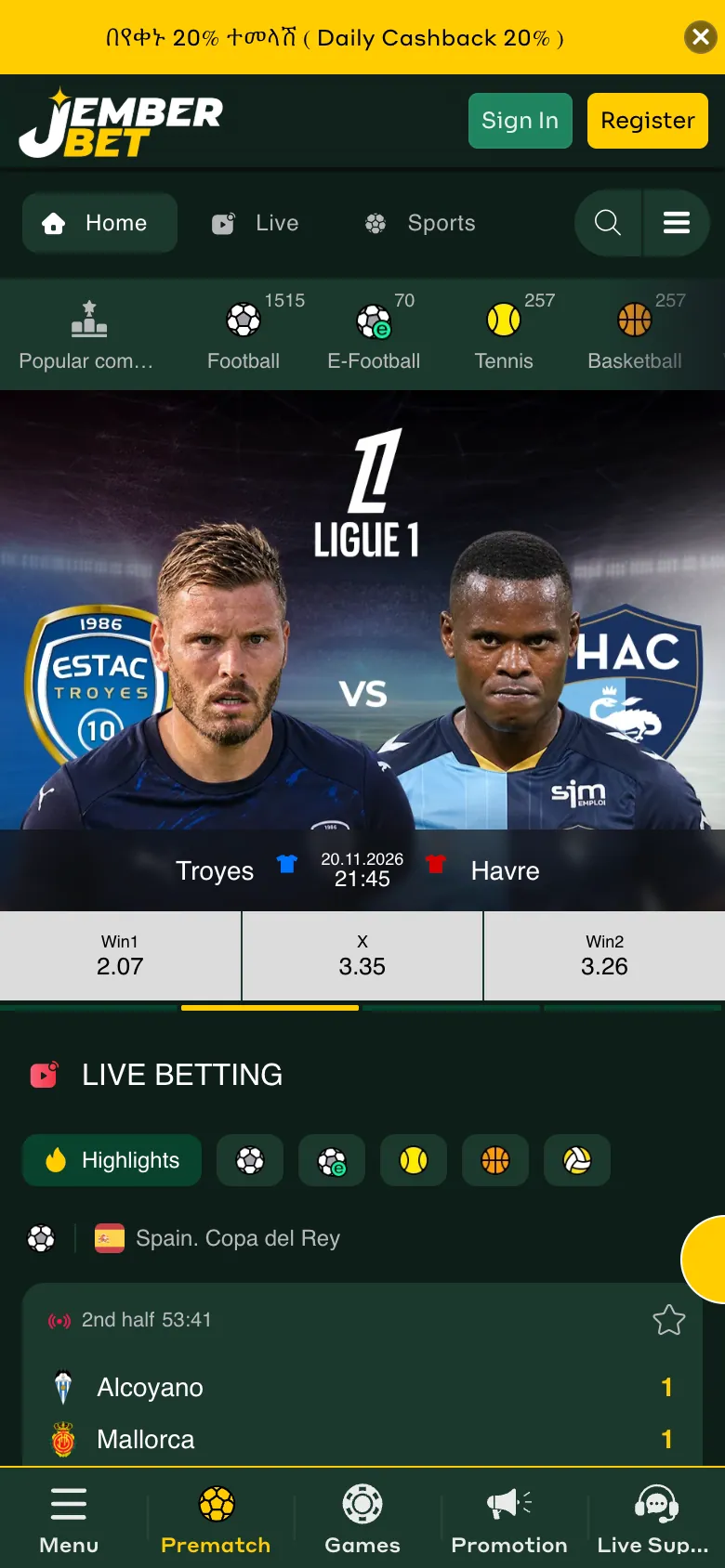
The platform is a single account for sports and casino, and the phone layout keeps both a tap away. What the reference site shows in its menu:
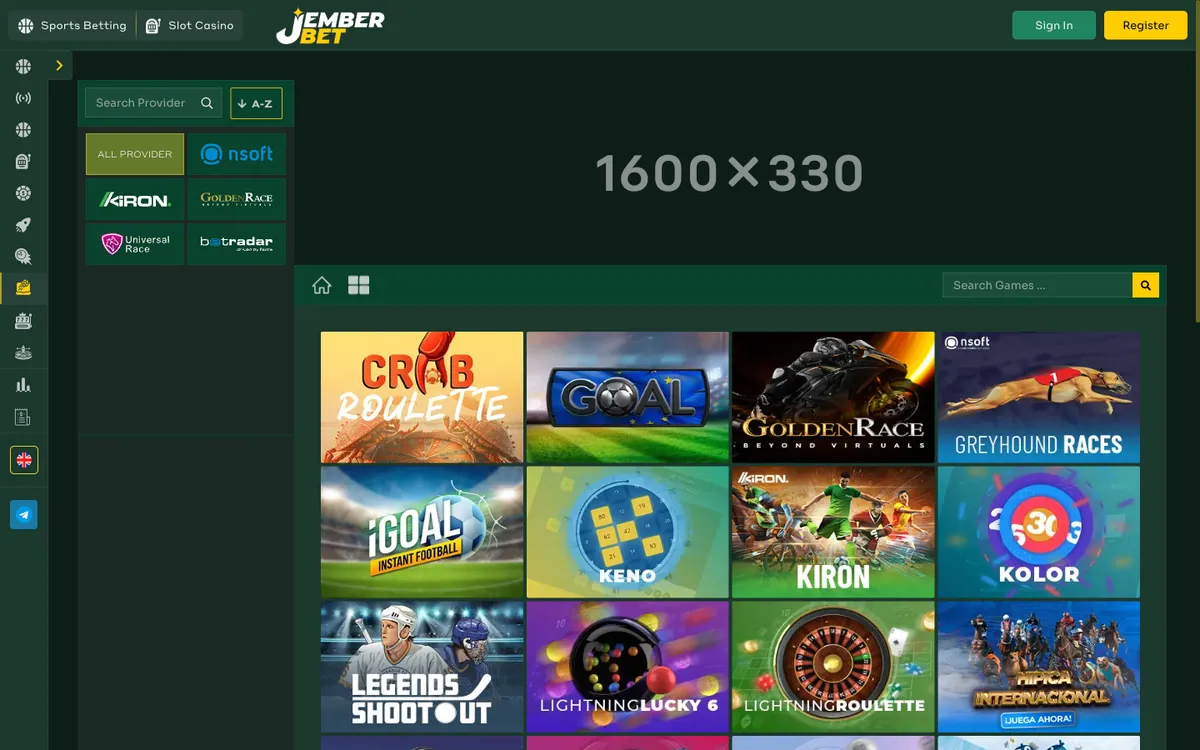
- Sports betting with pre-match markets, JemberBet live betting, e-sports and virtual sports.
- Slot casino with Chicken Road, crash games, blackjack and mini games, plus a live casino with roulette, baccarat and poker.
- Statistics and results pages for checking matches.
- Daily cashback banner, a 20% offer shown on every page. Its conditions are published after you sign in, so read them there.
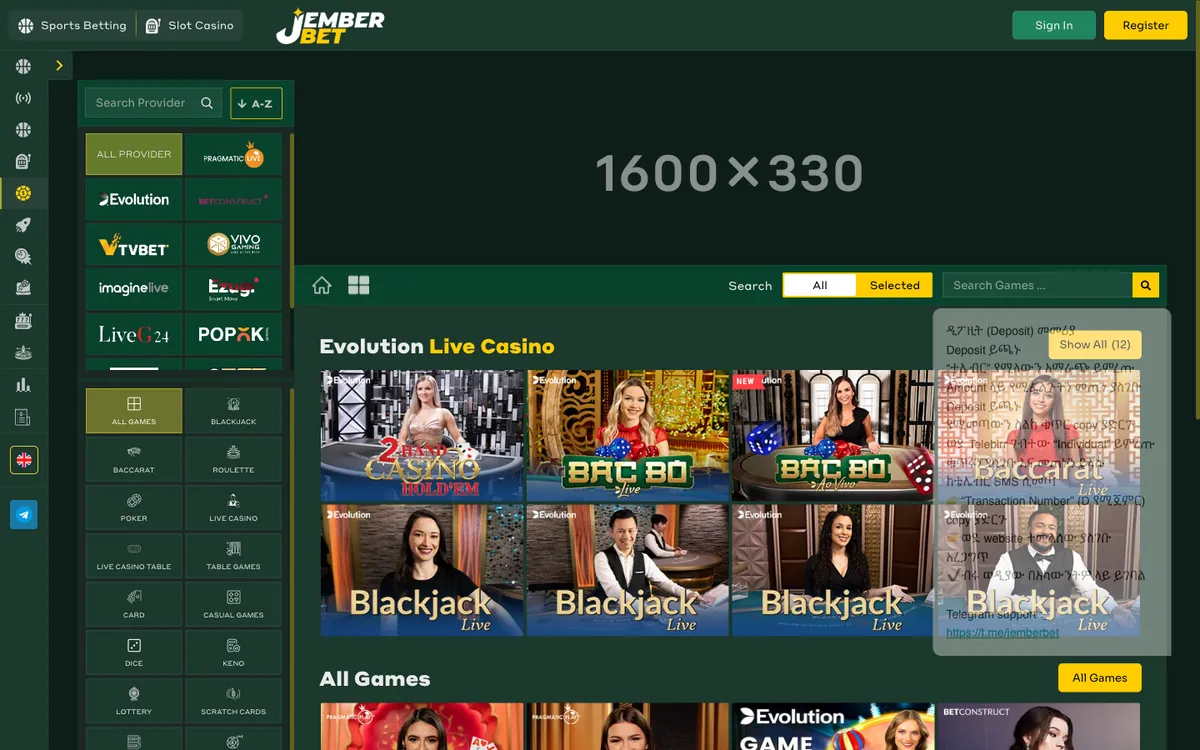
Deposits and withdrawals sit in the account cashier, which opens only for logged-in users. Biometric login, push notifications and similar extras depend on your phone and on what the app version offers, so check the settings after installing rather than assuming they are there.
App or mobile site: which one to use
| Point | Android APK | Mobile site / home-screen shortcut |
|---|---|---|
| Installation | Manual APK, about 43 MB | None, a bookmark-style icon |
| Platforms | Android only | Android and iPhone |
| Updates | Download the new file yourself | Always the current version |
| Storage | Uses phone memory | Almost nothing |
| Opening | Icon on the home screen | Icon on the home screen |
| Data use | Similar, depends on live streams and games | Similar, pages load each time |
If your phone is Android and has space, the APK is the tidier choice. Everyone else loses nothing by using the browser shortcut.
Updating the app and old versions
The APK does not update through Google Play. When a new build appears, download the fresh file from the official link on this page and install it over the old one. Your account and balance live on the server, so nothing is lost.
People often search for an old version of the app, usually because a newer file will not run on an old phone. Old files from third-party sites are the risky part: they can be altered. If the current build refuses to install, the safer move is to free storage, restart the phone and retry, or fall back to the mobile site.
Common problems and simple fixes
- The file will not install. Check that unknown sources are allowed for the app you used to open the APK (browser or file manager) and that there is enough free space.
- The download stops halfway. Switch between Wi-Fi and mobile data, delete the partial file and start again.
- A warning appears on opening. It is a standard message for any app installed outside the Play Store. Proceed only if the file came from the official link.
- The app will not update. Remove the old version, then install the new APK. Log-in details stay the same.
- Login fails. Check the phone number or username, reset the password through the sign-in window, or contact support through Help Me in the footer.
Safety: official link only
Download the APK only from the button on this page. Files shared in chats, on forums or on mirror sites can carry changed code. Before installing, look at the file name and size: the genuine file is close to 43 MB. Never share your password, even with someone claiming to be support. For an app that runs the whole casino catalogue, such as JemberBet casino games, that one habit protects most of your account.
Betting is for adults only, so play with an amount you can afford to lose.
Frequently asked questions
Is there a JemberBet app for Android?
Yes. It is distributed as an APK file of about 43 MB that you download from the button on this page and install manually.
Is there a JemberBet app for iPhone?
No iOS app exists. On an iPhone, open the site in Safari and use Share, then Add to Home Screen, to get an app-style icon.
Why does Android warn me when I install the APK?
The file is not from Google Play, so Android shows a standard warning and asks you to allow installation from unknown sources. Allow it only for the official file.
Where can I find the old version of the JemberBet app?
Older files on third-party sites may be altered, so they are not recommended. If the new build will not install, free some storage, restart the phone and try again, or use the mobile site.
How do I update the JemberBet app?
Download the latest APK from this page and install it over the existing app. Your account and balance stay on the server.